

How to turn the bike on and off?
Turn on, turn off, and activate walk mode on your Torks e-bike in a few simple steps.
Turning the bike on
Press and hold the ⏻ button for a few seconds until the display turns on.
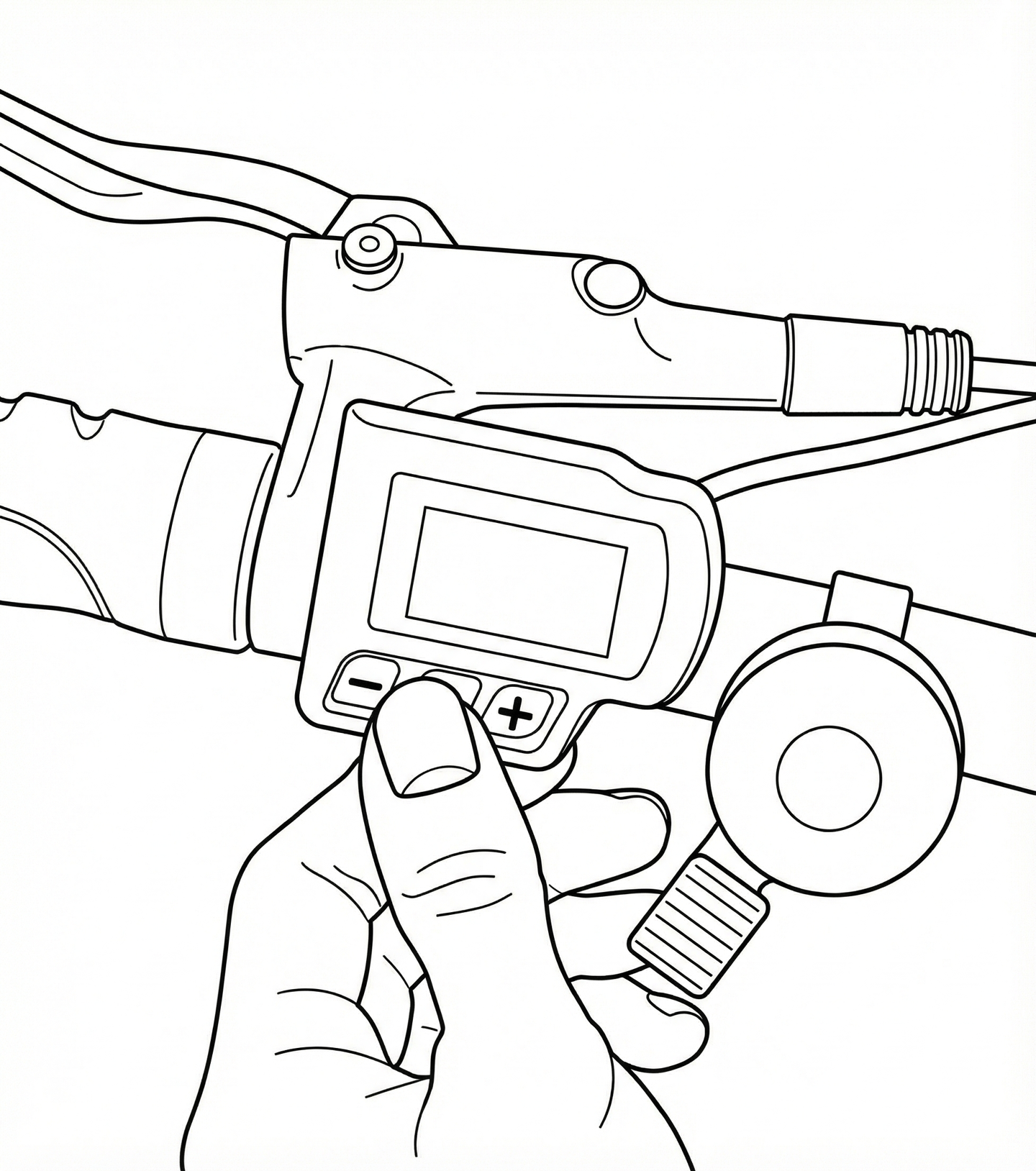
The display shows the current assist level and the remaining battery range.
Walk mode (walking assist)
When walking alongside your bike — for example, pushing it up a slope — you can activate walk mode:
- The bike must be turned on.
- Press and hold the "minus" (−) button for a few seconds.
- Keep the button held down: the bike will gently move forward at about 6 km/h beside you.
- Release the button to stop.
Turning the bike off
Press and hold the ⏻ button for a few seconds until the display turns off.
If you forget to turn it off, the bike will automatically go into standby after a few minutes of inactivity.
The bike also works without electric assist — you can always pedal normally if the battery is empty or if you prefer to ride without assistance.